Home AI AdsNEW
ERP Features
FBA Replenishment FBA Shipping Product Performance Customer Service Purchasing, Sales & Inventory Financial Reports All Features
More
Pricing Customer Stories About Us 中文
Product Features · FBA Shipping

Pack with PDA barcode scanning,
Create FBA shipments in one click

Combine pre-delivery planning, picking, packing, shipment creation and logistics tracking into a standardized assembly line, allowing FBA operations, procurement, warehouses, and logistics to collaborate on the same set of documents.
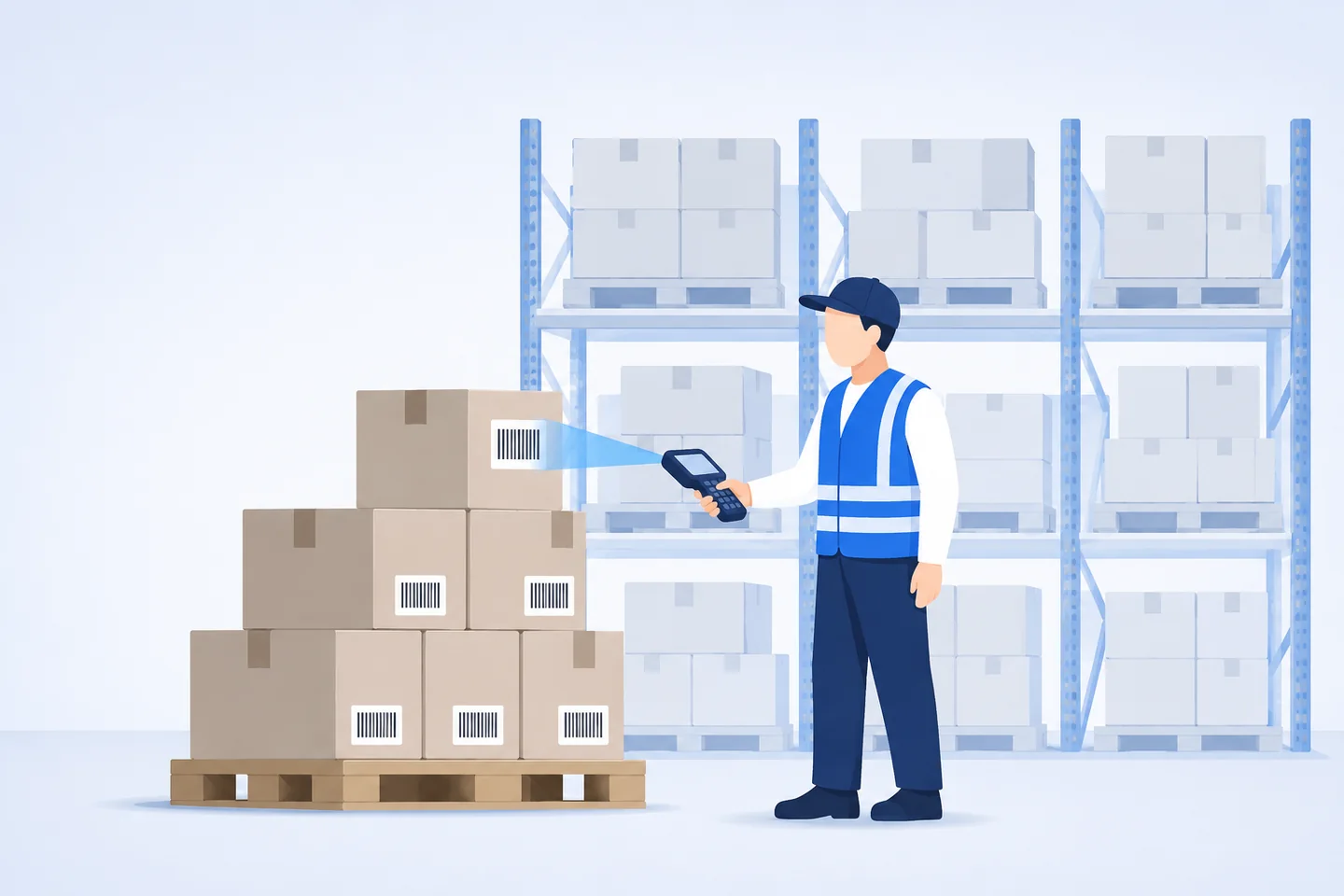
Warehouse worker holds a PDA to scan barcodes on cartons, with shelves full of goods behind him
Business Process

One workflow from shipment planning to Amazon check-in

Operations, warehouse, and logistics are connected on the same set of documents. When the previous step is completed, the next step is automatically connected. Click on any link to view details.

  1. 1

    Pre-shipment plan

    Operation creation, supervisor review, warehouse confirmation of quantity, and inventory locking in advance

    Operation · Supervisor
  2. 2

    Picking

    Picking lists are arranged in sequence according to storage locations, and combined items are automatically dismantled.

    Warehouse
  3. 3

    PDA packing

    Scan the QR code to automatically record quantity, box size, and weight

    Warehouse
  4. 4

    Create shipment

    Packing data is imported directly and the logistics is generated immediately after selecting it.

    Operation
  5. 5

    Logistics invoice

    Apply logistics company template and export with one click

    Logistics
  6. 6

    Tracking

    From receiving and signing to warehousing, the status is automatically synchronized.

    System automatically
Pre-delivery task orderInventory lockedOperation creationSupervisor reviewWarehouse confirmationlabel printingDouble row / single row / A4 multiple formatsJob progressPack82%Packing55%Real-time synchronization to reduce offline communication

FBA pre-shipment program

A work task order is generated before the shipment is officially created. The operation creates it, the supervisor reviews it, and the warehouse confirms the quantity. The tasks are clear and the rights and responsibilities are clear. Inventory is locked in advance to avoid competition for goods between operations. It supports multiple FBA product label formats such as double row, single row, A4, etc., and the packaging and boxing progress is visible in real time.

Use now
Picking listSort by locationStorage locationmerchandiseQuantityA-01-0324A-02-1116B-01-0730×1×1Combination products have been automatically expanded into sub-productsB-03-0212

FBA picking

Automatically generate reasonably sorted picking lists, supporting sorting by SKU or location, reducing ineffective movements in the warehouse; combined products are automatically expanded into sub-products, making picking more accurate; after picking is completed, it is automatically prompted to enter the packaging and cartoning process.

Use now
PDA scan codeScan barcodeBox #003weighedNumber of SKUs6Number of pieces120Box regulations60×40×35weight18.4 kgPacking one by oneScans automatically accumulate and can be adjusted manuallyBatch packingPack in multiples of 5 to avoid the US station warehousing configuration feeReal-time alerts for scanning anomalies to avoid incorrect packaging

FBA packing

Use PDA to scan FBA product labels, automatically record SKU quantity, box size, weight and other information, and provide real-time alerts for abnormal situations. The box-by-box mode scans the QR code and automatically accumulates, and can be adjusted manually; the batch box mode supports packing in multiples of 5 to avoid the Amazon warehousing configuration fee in the US station.

Use now
Create an FBA shipmentLogistics methodShipping FCL · YuntuETA2026-09-12Create shipmentBoxed data is brought directly from the PDA, no need to import into ExcelTime consuming to createManual table guidePDA brought inThis shipmentNumber of boxes12Number of pieces1,440

Create shipments with one click

Based on the packing information collected by PDA, there is no need to import it into Excel. You only need to select the logistics method and estimated arrival time to quickly generate FBA shipments, saving the time originally spent on organizing forms.

Use now
Logistics invoiceExport invoices with one clickSupport templates and customization of various logistics companiesLogistics trajectoryReceived09-02Extracted09-03In transit09-04Signed forAlready in stock

Logistics invoice and track tracking

It has built-in invoice templates for various logistics companies, and you can also customize the design. You can export logistics invoices with one click, which greatly saves production time. It automatically synchronizes the logistics status and clearly displays the nodes such as collected, extracted, signed for, not signed for, and warehousing. The whole process is visible.

Use now
Inventory inquiry2 warehousesShenzhen warehouse1,280Inventory600On the way1,150AvailableGuangzhou warehouse460Inventory120On the way460AvailableClick on the number to view the corresponding log1Procurement and warehousingScan the product code to bring out the purchase order to be put into storage2Inventory inquiryCheck multiple positions at the same time, click on the numbers to see the logs3inventory countThere are two methods of inventory: by location or by product.4Location bindingScan products first, then scan storage locationsJust scan the QR code and start working, and people no longer have fixed workstations.

PDA inventory management

Daily operations in the warehouse are completed by scanning codes on PDAs, and personnel no longer have fixed workstations:

  • Procurement and warehousing:Scan the product code to automatically bring out the purchase orders that have been reviewed but not put into storage in this warehouse. Once the order is confirmed, they will be put into storage.
  • Inventory inquiry:Check multiple warehouses at once, including inventory, in-transit, available, occupied, and undelivered, all on one screen. Click on the number to view the corresponding log directly.
  • Inventory count:Inventory is completed by entering the quantity on site or by product.
  • Binding of storage location:Scan the product first, then scan the storage location, and complete the shelf binding in two steps.
Use now

Want to see how this process runs in a real warehouse?Customer cases support appointment visits.

Make an appointment to visit

Trusted by 18,000+ sellers

Sign up to try out FBA shipping and all ERP functions for free

Try it now for free

Service Hotline

0755-82734451
Pre-sales WeChat service account QR code

Pre-sales WeChat

After-sales WeChat service number QR code

After-sales WeChat